Deliveroo Restaurant Hub Managing Your Online Food Business
The Deliveroo Restaurant Hub is a powerful tool for food businesses that partner with Deliveroo to serve customers online. It helps restaurant owners manage menus, track sales, create promotions, and handle orders efficiently. With this platform, partners can take control of their digital presence and grow faster.
What is the Deliveroo Restaurant Hub?
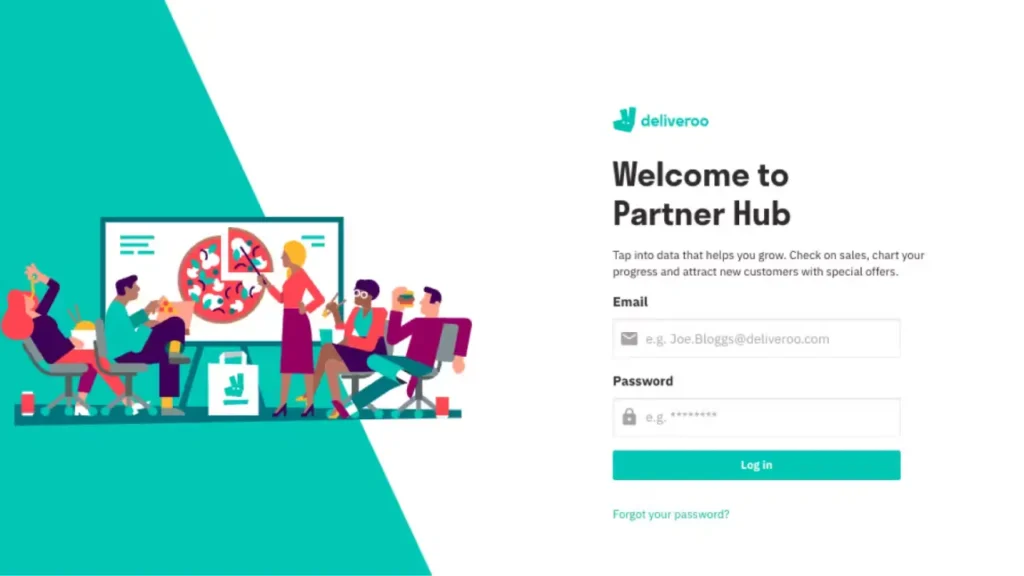
The Hub is an online dashboard created for Deliveroo’s restaurant and retail partners. It allows restaurants to control and update their profiles, menus, and promotional campaigns from one place. This makes it easy to manage everything related to delivery service without needing extra staff or tools. Partners log into the hub using a secure account and immediately access all operational tools. The system works on both computers and tablets, ensuring convenience and flexibility for restaurant teams.
Helps Restaurant Owners Stay in Control
Restaurant owners need speed and accuracy to handle online orders. The Hub helps by giving real-time updates on incoming orders, delays, and cancellations. It also shows performance trends, like customer reviews and order frequency. Using this information, owners can change what’s not working and keep what is. They can adjust menus, check peak hours, and track customer habits to offer better service. This keeps customers happy and boosts sales over time.
Menu Manager
One of the most useful tools inside the Hub is the Menu Manager. This section lets restaurant teams add, remove, or update menu items quickly.nThey can change prices, item descriptions, and even upload high-quality photos of meals. All updates reflect across the platform instantly, so customers always see the latest offerings. This avoids confusion and improves the customer experience.
Promotions and Deals
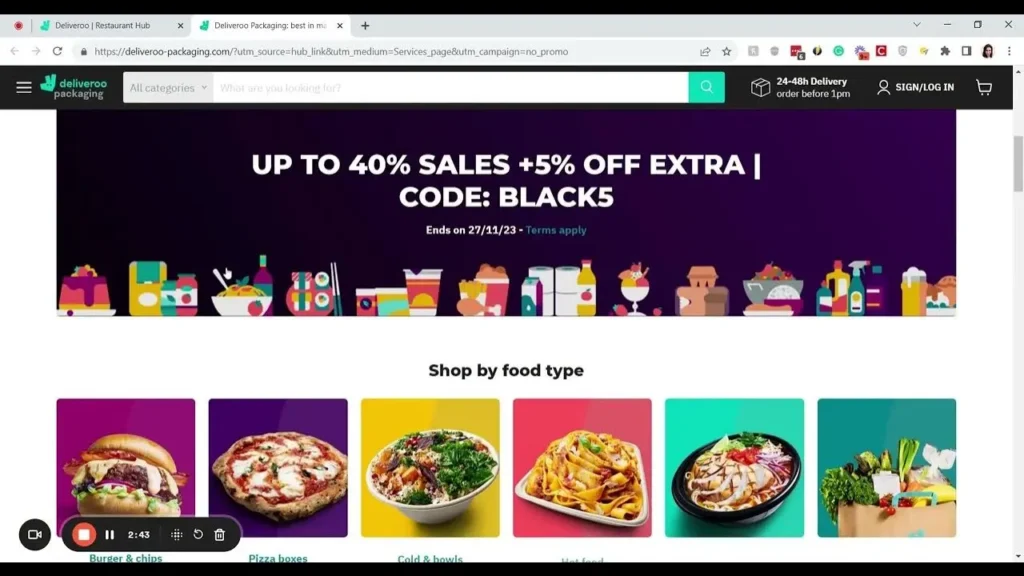
Restaurants that want to attract more customers can use the Marketer feature within the hub. This section allows them to create promotions like “20% off” or “buy one get one free” deals. The Deliveroo Restaurant Hub shows how well these promotions perform through charts and statistics. Based on these results, partners can stop poor-performing campaigns and repeat the successful ones.
Here is a simple table showing how different promotions perform:
| Promotion Type | Average Sales Increase | Recommended Duration |
|---|---|---|
| Percentage Discount | 15% | 7 Days |
| Free Delivery | 12% | 5 Days |
| Combo Deals | 18% | 10 Days |
Real-Time Order Tracking
Another key feature of the Hub is its Live Orders panel. Restaurants can view every new order in real time, monitor preparation time, and handle issues immediately. If a customer cancels an order or asks for a change, the restaurant sees it right away. This minimizes errors, reduces food waste, and ensures that every delivery runs smoothly. Owners can also see average prep times and adjust staffing to meet demand during busy hours. This improves speed and quality together
Financial Transparency
Understanding income is important for restaurant success. The Deliveroo Restaurant Hub provides a section to download invoices and track payments. Restaurant owners can view daily, weekly, and monthly summaries of their earnings. They can also download PDF invoices for bookkeeping or tax reporting. The platform updates payment data regularly, so there’s no confusion about how much a restaurant earned during a certain period. This helps with financial planning and investment decisions.
Insightful Sales Analytics
Using data from the Hub, partners can access analytics tools that highlight popular dishes, busy hours, and returning customers. With this insight, restaurants can improve their menu, focus on top-selling dishes, and offer custom deals to loyal customers. They can also identify slow-moving items and remove or improve them.
Here’s a breakdown of what the analytics section typically includes:
| Metric | What It Shows |
|---|---|
| Daily Order Count | Total meals delivered each day |
| Top-Selling Menu Items | Most ordered meals |
| Average Customer Ratings | Feedback scores from customers |
| Repeat Customer Rate | How many come back to order again |
User-Friendly Interface
The Deliveroo Restaurant Hub is simple to use, even for staff with little tech experience. The layout is clean, the sections are well labeled, and everything runs smoothly on modern devices. Restaurants with multiple branches can manage all locations from one account. This saves time and prevents mistakes when switching between branches or updating shared menu items.
Customer Feedback
Customers often leave feedback about delivery times, food quality, and packaging. The Hub collects these reviews and displays them for the restaurant. Managers can reply to feedback, make improvements, and thank loyal customers. This shows customers that the restaurant cares and takes action when things go wrong. Over time, this helps build a positive brand reputation.
How to Access the Deliveroo
Restaurants can access the hub by going to the official Deliveroo partner site and logging in with their email and password. If you are new to Deliveroo, the team will provide access credentials after your account is approved. Once inside, you’ll see the dashboard with sections like Menu Manager, Live Orders, Marketer, Sales, and Invoices. The system also includes help options, guides, and a support chat for any problems you might face.
Final Thoughts
In today’s fast-paced food industry, having a central system like the Deliveroo Restaurant Hub is a game-changer. It simplifies daily tasks, improves customer satisfaction, and helps restaurants grow through data and smart tools. Whether you’re new to Deliveroo or have been a partner for years, using the hub effectively can make your operations smoother. From menu updates to tracking earnings, the features are built to support real-world restaurant needs.